





THE #1 DESTINATION FOR CONSUMABLES & CONVENIENCE
Connect to 56M+ monthly users so you can drive incremental sales, unlock new purchase occasions, and turn first-time buyers into loyal customers.
CPG Success Stories


54% increase in ROAS with Auto-bidding
See how this beloved pet food brand enhanced its DoorDash Ads strategy with auto-bidding — reducing CPC, driving more sales, and higher ROAS.


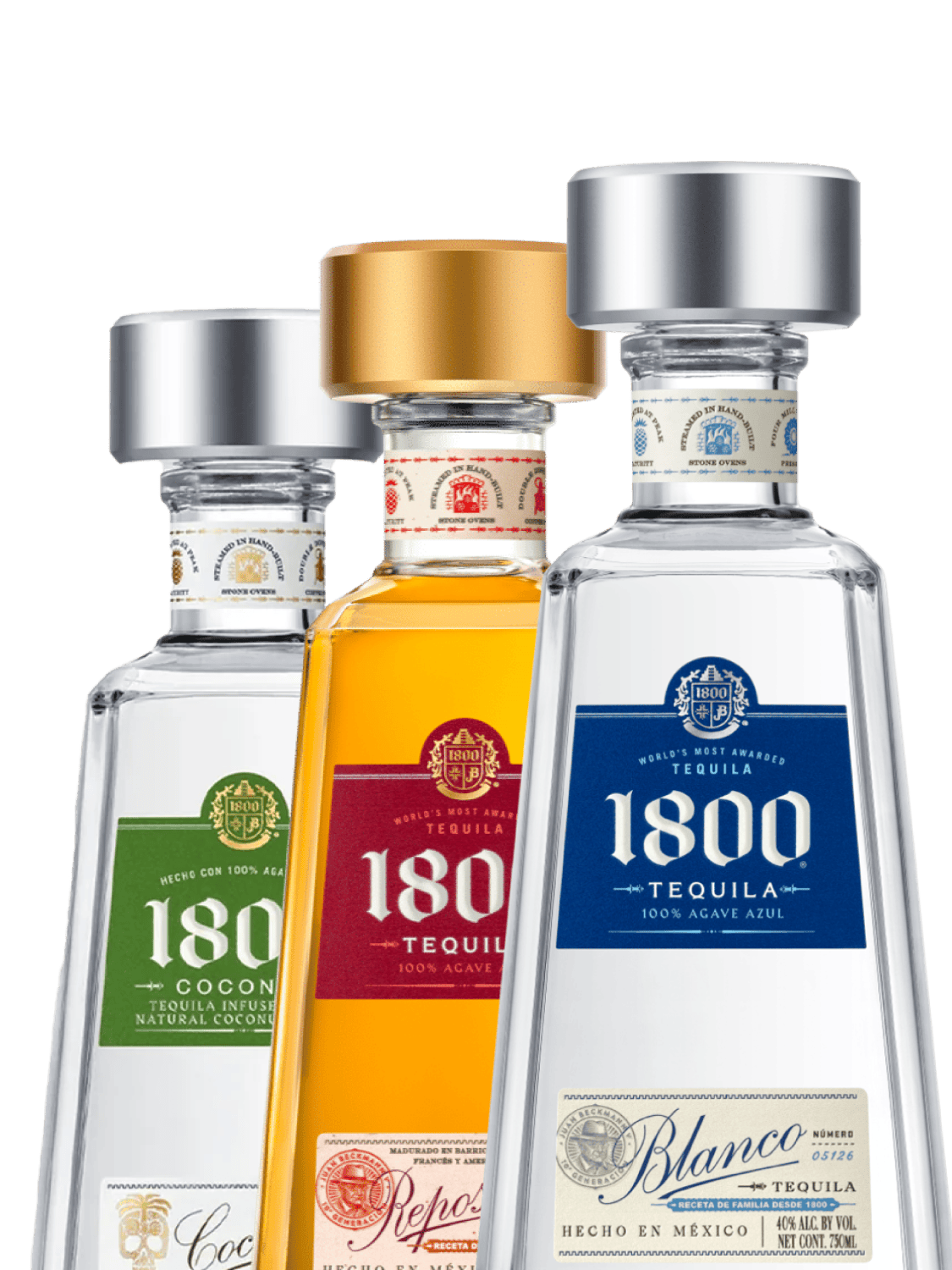
10x impressions with Offsite Ads
Proximo Spirits scaled their reach by 10x using DoorDash Offsite Ads — driving awareness across Google and Meta while converting customers directly on the platform.
![Ads - CocoCola Logo [OLD]](//images.ctfassets.net/trvmqu12jq2l/60osp46WKH26NtMZUQajSB/eeb608609a43597ab4332759af3e790d/-UPDATE_IMAGE_FILL-.png?q=60&w=1200&fm=png)
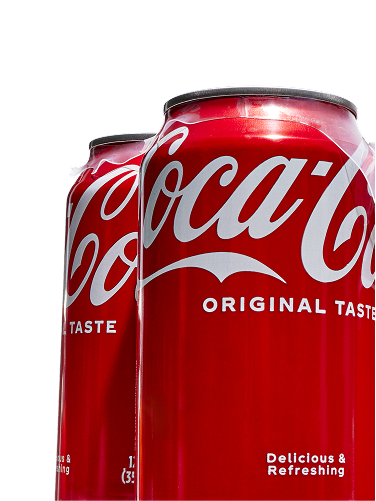
89% lift in in-campaign reorder rate
Coca-Cola reached DashPass subscribers with a $5 off deal, driving 31% new customers, an 89% lift in reorder rate, a 91% sales increase, and more exposure for restaurant partners.
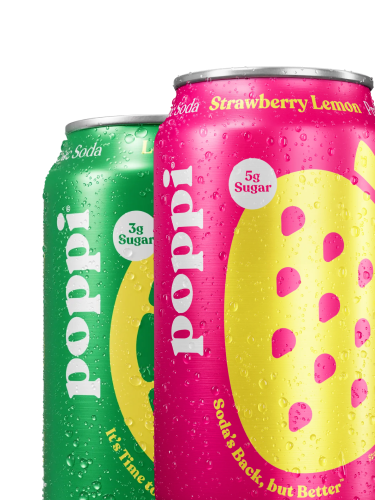
2x Increase in Sales with Sponsored Brand
Poppi’s customized strategy brought new-to-brand numbers above benchmark, increased customer acquisition, and 2x’d monthly sales since starting DoorDash Ads.


![Ads - CocoCola Logo [OLD]](http://images.ctfassets.net/trvmqu12jq2l/60osp46WKH26NtMZUQajSB/eeb608609a43597ab4332759af3e790d/-UPDATE_IMAGE_FILL-.png?q=60&w=102&fm=webp)


Offsite Ad Partners
Harness the power of DoorDash’s first-party audience data to create targeted, high-performance campaigns that reach customers across search, social media, and programmatic placements.


Scale your Campaigns with our API Partners


Meet the 2025 CPG Momentum Brands
See the 50 challenger brands that drove discovery and growth on DoorDash in 2025.
Resources And Events
View All

Frequently Asked Questions
New advertisers can get started by contacting the DoorDash team, filling out our interest form or reaching out to your account manager for support if you’re already an active partner.
Get in touchCPG Brand Advertisers can log in to Ads Manager by going to the Ads Portal
For first-time users: Your DoorDash Account Executive or another user on the brand account must add you as a user. You’ll then receive an email invitation to create your account.
To create a new account: After receiving your invitation to join, go to doordash.com and create an account with the email address where you received your invitation.
There are many options for CPG brands. You can use our self-serve Ads Manager, or work with one of our API partners (Pacvue, Flywheel, and Skai) to run Sponsored Product and Sponsored Brand ads on DoorDash. We also offer full-service campaign management for ads and promotions across the DoorDash platform. CPG brands can also use DoorDash Ads Manager to launch self-serve ads across offsite platforms including Meta, Google Shopping, YouTube, and TikTok, alongside full-serve programmatic ads via The Trade Desk. Reach out to your DoorDash rep to learn more.
Contact your DoorDash account manager or reach out to us to learn how you can use DoorDash ads to launch self-serve ads across offsite platforms like Meta, Google Shopping, YouTube, and TikTok as well as full-serve programmatic ads via The Trade Desk.
Currently, these campaign types are not available for self-service access in the Ads Manager platform. Reach out to your account manager for more information.
Campaign reports are available within the Ads Manager platform, with key metrics updated hourly. Click the Reports icon in the upper left-hand corner.